Mount a workspace in order.
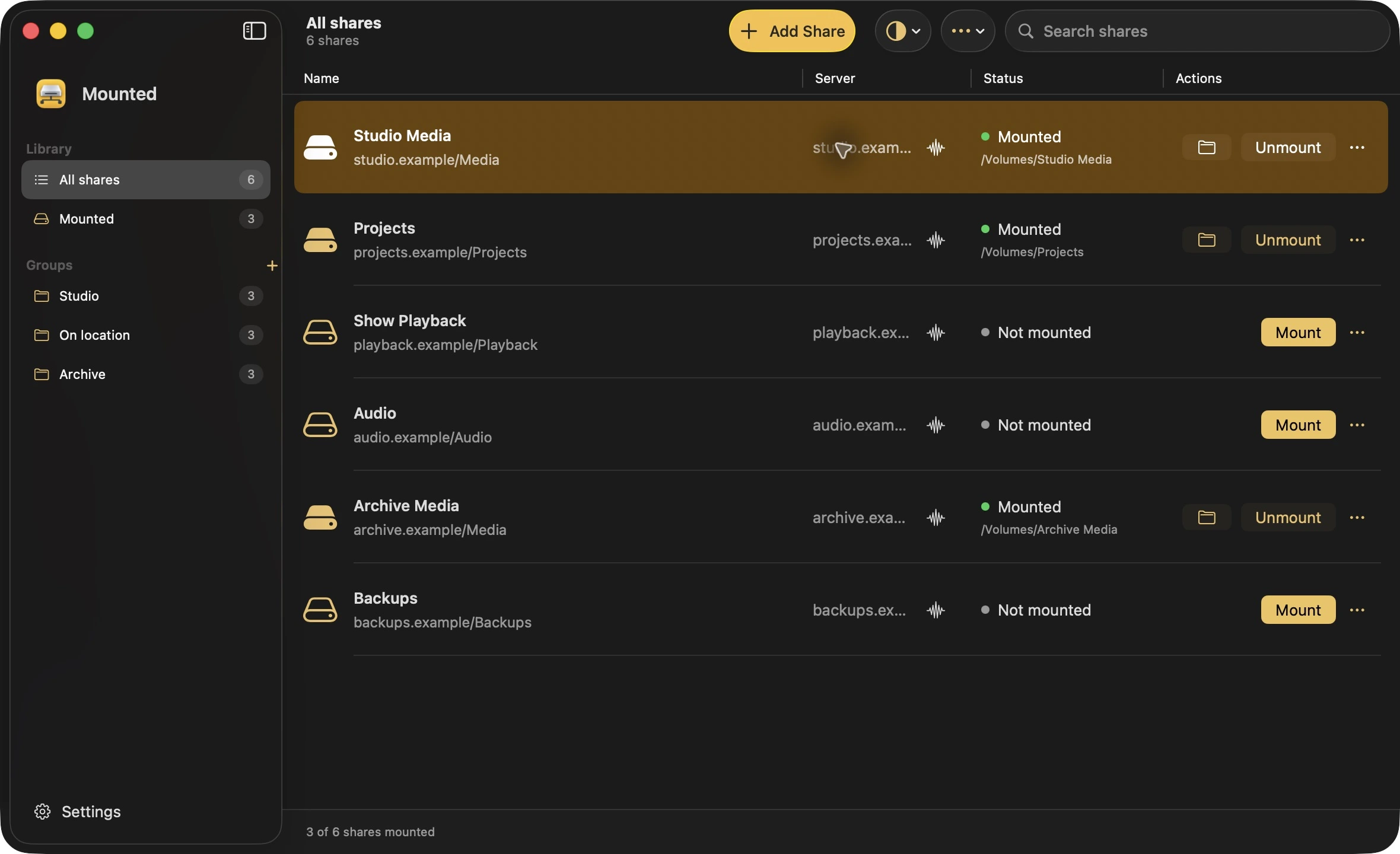
Bring shares from different servers into a named group. Choose their order, then mount the group with one action.
 Mounted
Network shares, sorted.
Organise your network shares into groups, give them clear names, and mount a whole workspace with one action.
Download for MacComing soon · Apple silicon · macOS 15.8+
Simple to start
Make two “Media” shares easy to tell apart with names such as Studio Media and Archive Media in Mounted. Use Mount At to choose an exact local path for scripts and apps.
studio-nas / Media
Example Mount At path
/Volumes/Studio-mediaarchive-nas / Media
Example Mount At path
/Volumes/Archive-mediaBring shares from different servers into a named group. Choose their order, then mount the group with one action.
Export share groups for colleagues to import, keeping the shares and their order together.
Use Test Connection to check the connection and availability of a named share while you set it up.
Open a share’s details to inspect available SMB and channel information, recent activity and apps using the share.
Studio anywhere
Keep related shares together,
wherever you work.
A little less admin
Mounted is coming soon. Every feature comes with the free tier. Choose a paid licence to enable more saved shares.
Planned free tier
2 enabled saved shares
Use every feature with your chosen two shares. Your other shares will stay saved but inactive. There’s no separate group limit.
A 5-day full-feature trial is also planned.
Planned paid licence
£15 at launch
Unlimited saved shares, with 12 months of updates included. The price will move to £20 as Mounted matures.
Purchased versions and updates covered by your licence remain yours to use permanently. Another year of updates is optional at £5.
One Mac at a time per licence. No subscription. No automatic renewal.
About the upcoming releaseMade for your Mac
Coming soon